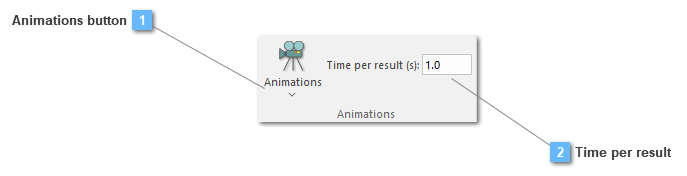
Animations tool functionality gives the chance to the user of recreating the result files turned into an animation. Moreover, this animation is available to be exported either by images or by a video, in case it would be necessary.
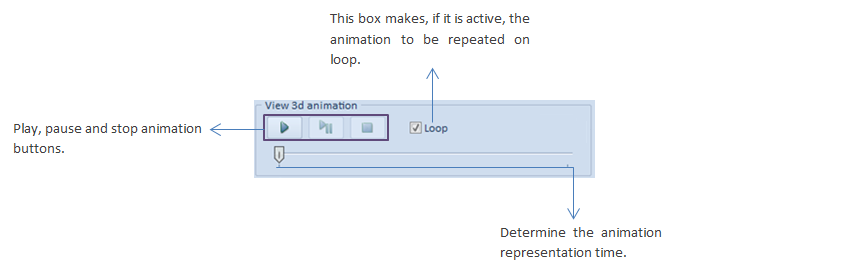
Specifically options, such as the View 3d animation and the Video Generation have been partly explained ahead:
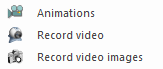
Animations
Record video
Generates a video file in mp4 format by interpolating the results between every two result files.
Record video images
It generates image files for each frame so that they can be loaded into video editing programs for further editing.
The configuration options used to animate or generate video correspond to the options selected in the results tab and the results loaded.