Before deleting a geometric entity user must be aware of the hierarchy of solid model and finite element model entities. A lower order entity cannot be deleted if it is attached to a higher-order entity. Thus, a point cannot be deleted if it is attached to a line, an area cannot be deleted if it has been meshed or belongs to a structural element, a volume was involved in a boolean operation and so forth.
Point button
Create a point
A point is a 0-dimension geometric entity. It represents a location in space. CivilFEM creates points automatically when constructing curves, surfaces, and solids.
Points are created at vertices, e.g. surface vertices (“corners”). It is not always necessary constructing entities starting from these points, e.g. surface from points.
Points can be created in many ways:
Point by coordinates
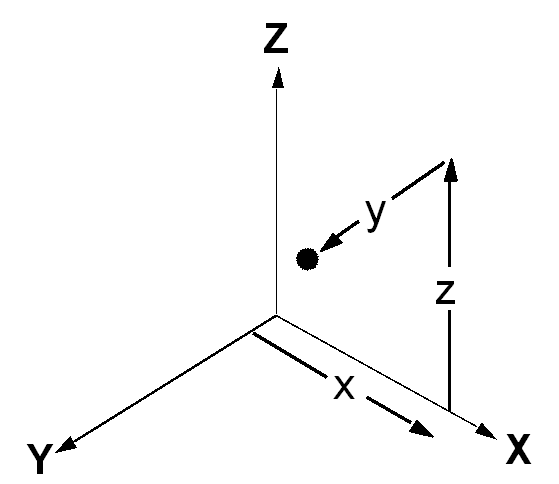
Create points at X, Y, Z location.
Point on curve
Create a point at a parametric location of a curve (Uparam). Into interval (0,1).
Number 0 refers to the beginning of the curve while number 1 makes reference to the end point.
Point on surface
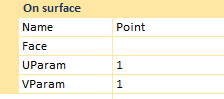
Create a point at a parametric location of a surface (Uparam, Vparam).