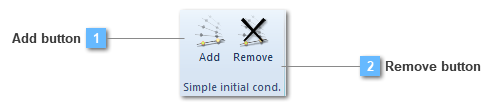
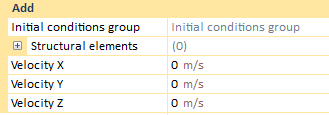
When it is required a new structural initial condition to be defined, this action is effectuated from the contextual menu. If the user clicks on the add button, a new chart will be displayed:
From this table, it will be available to establish the required initial condition for each of the three axis. The condition will consist of a velocity which will correspond to the starting velocity for the structural element, or elements, to which it has been applied.