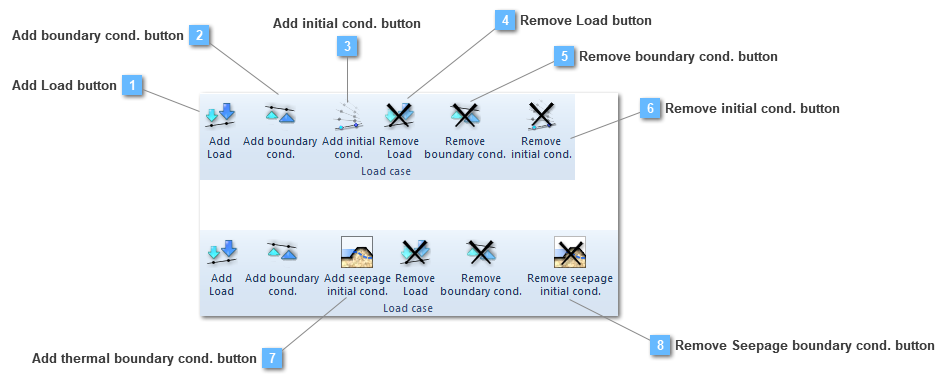
Add Load button
Add a load group to the load case
|
|
 Add boundary cond. button
Add a structural boundary condition group to the load case
|
|
 Add initial cond. button
Add an initial condition to the load case
This option is only available if the analysis is a transient structural one.
|
|
 Remove Load button
Remove a load group from the load case
|
|
 Remove boundary cond. button
Remove a structural boundary condition group from the load case
|
|
 Remove initial cond. button
Remove an initial condition from the load case
This option is only available if the analysis is a transient structural one.
|
|
 Add thermal boundary cond. button
Add a seepage boundary condition group to the structural load case
This option is only available if the analysis is a static structural one.
|
|
 Remove Seepage boundary cond. button
Remove a seepage boundary condition group from the structural load case
This option is only available if the analysis is a static structural one.
|
|