User can get results information using this tool. Depending on the analysis type, information tool will provide different lists.
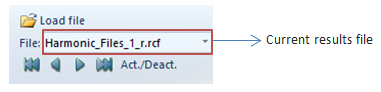
Information application works along with the data, about results files, contained in the results loader. That is, the information results provide information about some result properties, depending on the analysis type of the current results file
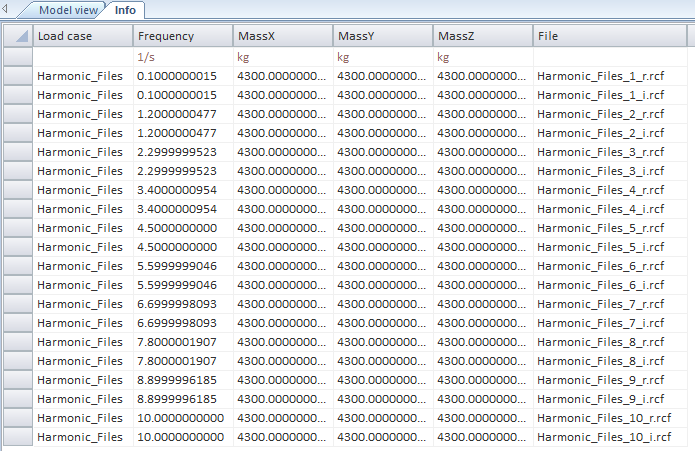
In case of establishing a harmonic result file, the information tool will come out the data for every harmonic result file contained on the results loader.
In case of containing files with a different analysis type, only the harmonic files information will come out due to be the analysis of the current results file.