Clone the structural element to create a new structural element with the same properties as the original
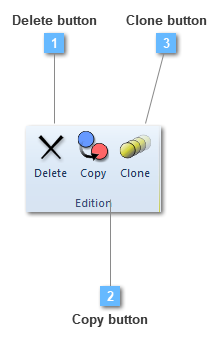
Clone button is available for every structural element, in its contextual menu.
This option is very useful in case of the user wants to create a new structural element which is pretended to be conformed with a similar: material, section and structural element options.
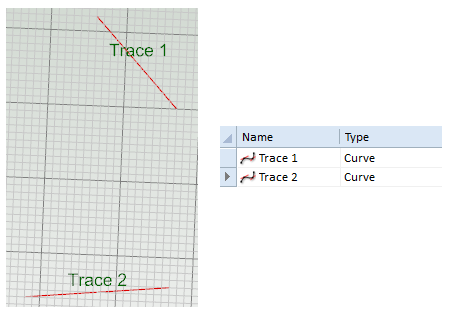
Therefore, at least one structural element has to be shaped, as it will be showed in the example:
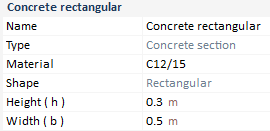
The material that is assigned will consist of a C12/15 concrete from Eurocode 2. As a result of choosing a concrete material in order to be attached to both Traces, a new section has to be defined:
The chosen one will be a rectangular concrete section with the characteristics defined ahead.
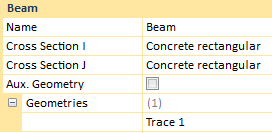
Beam element is shaped with the previous traits.
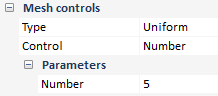
Besides, a new mesh controls are assigned.
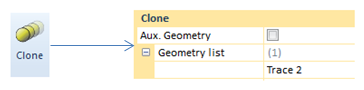
Thus clone option is available to be used.
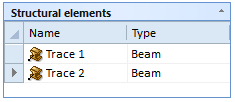
Trace 2 is taken either by picking in the "Model View" or clicking on the "Geometry" option in the Entities of the model dockable. As a result of all this process, the user has achieved to create two new structural elements with the same properties in their composition.