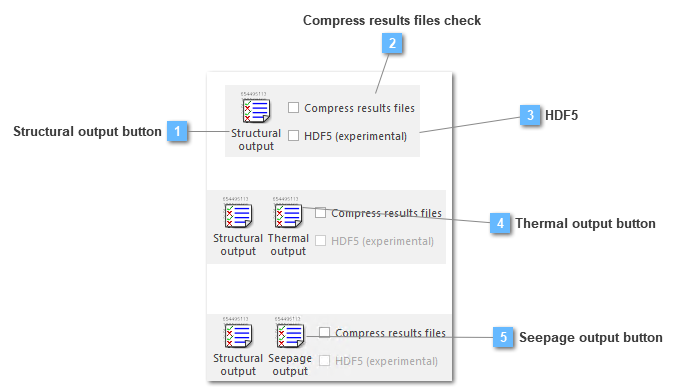
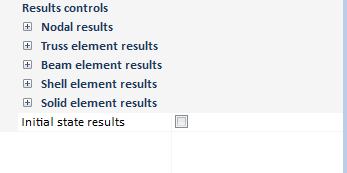
The structural output tool gives the option of generating a set of results instead of generating all available results. This will reduce calculation time and result file size. By default all results are activated except results to use t16 file as initial state
The generation of the results file in HDF5 format is enabled, according to Marc's specification. This file allows you to view the results and use the history plot tool.
At the moment it isn't available:
Thermal analysis.
Seepage analysis.
Spectral analysis.
Post process: combinations, derivatives and envelope.
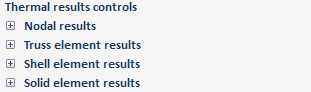
The thermal output tool gives the option of generating a set of results instead of generating all available results. This will reduce calculation time and result file size.
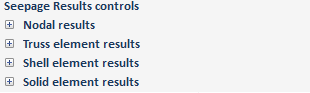
The seepage output tool gives the option of generating a set of results instead of generating all available results. This will reduce calculation time and result file size.