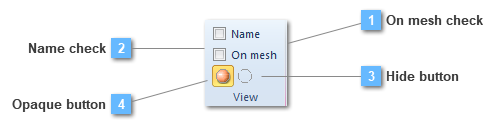
On mesh check
Show the model utils on the finite element mesh or on the geometry
|
|
 Name check
Show the name of the entity
|
|
 Hide button
The hide tool makes the different connections invisible.
|
|
 Opaque button
The opaque tool makes the different connections visible using solid colors.
|
|